




Frequently Asked Questions (FAQ)
Why are my Cashout options grayed out?
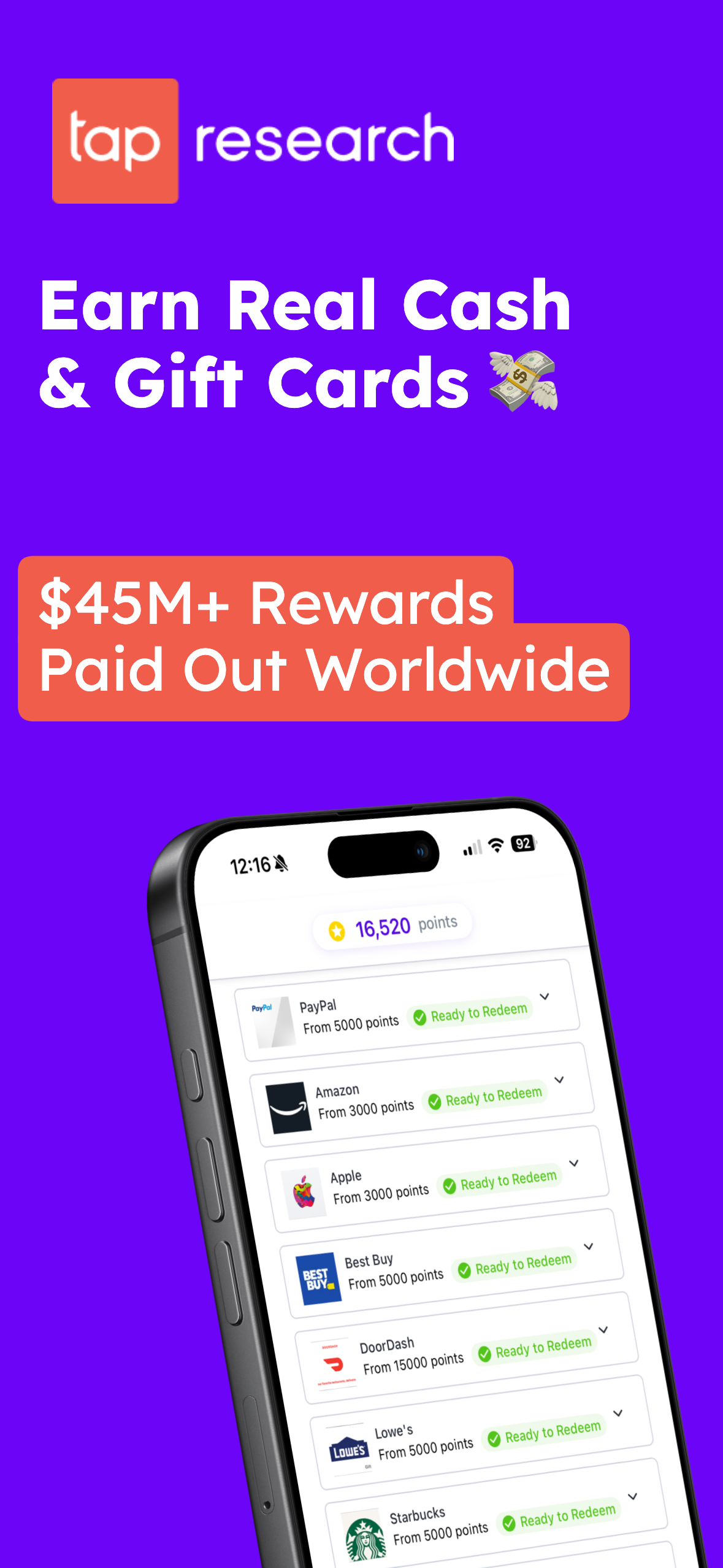
You need a minimum of 3,000 points to cashout to virtual gift cards. Once you reach 3,000 points in the Rewards app, the first cashout option will become available to you.
When should I receive my Cashout rewards?
Cashouts to virtual gift cards should be immediate. If you are not seeing your rewards within a couple of hours, please reach out to our support team!
When should I receive my points from offers and surveys?
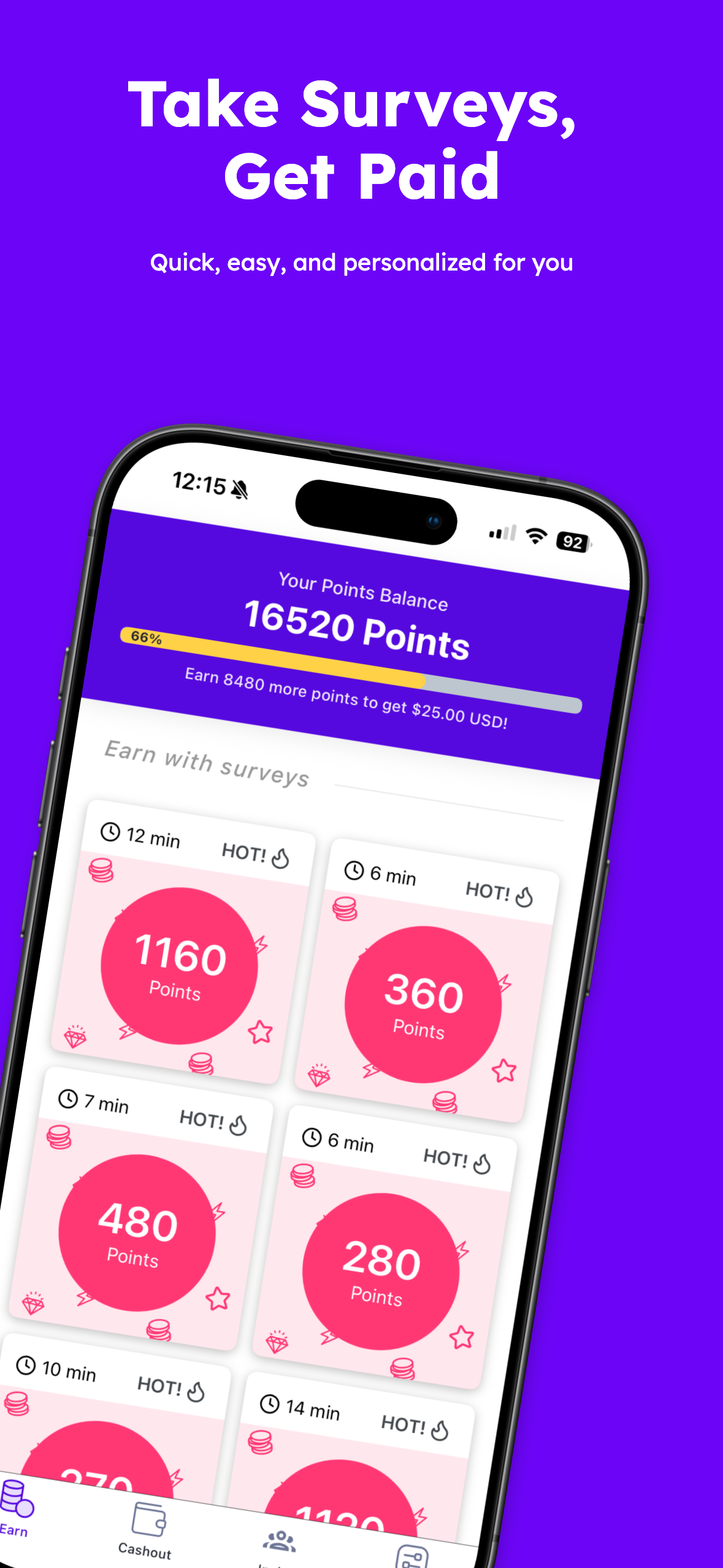
Points awarded for surveys should be immediate.
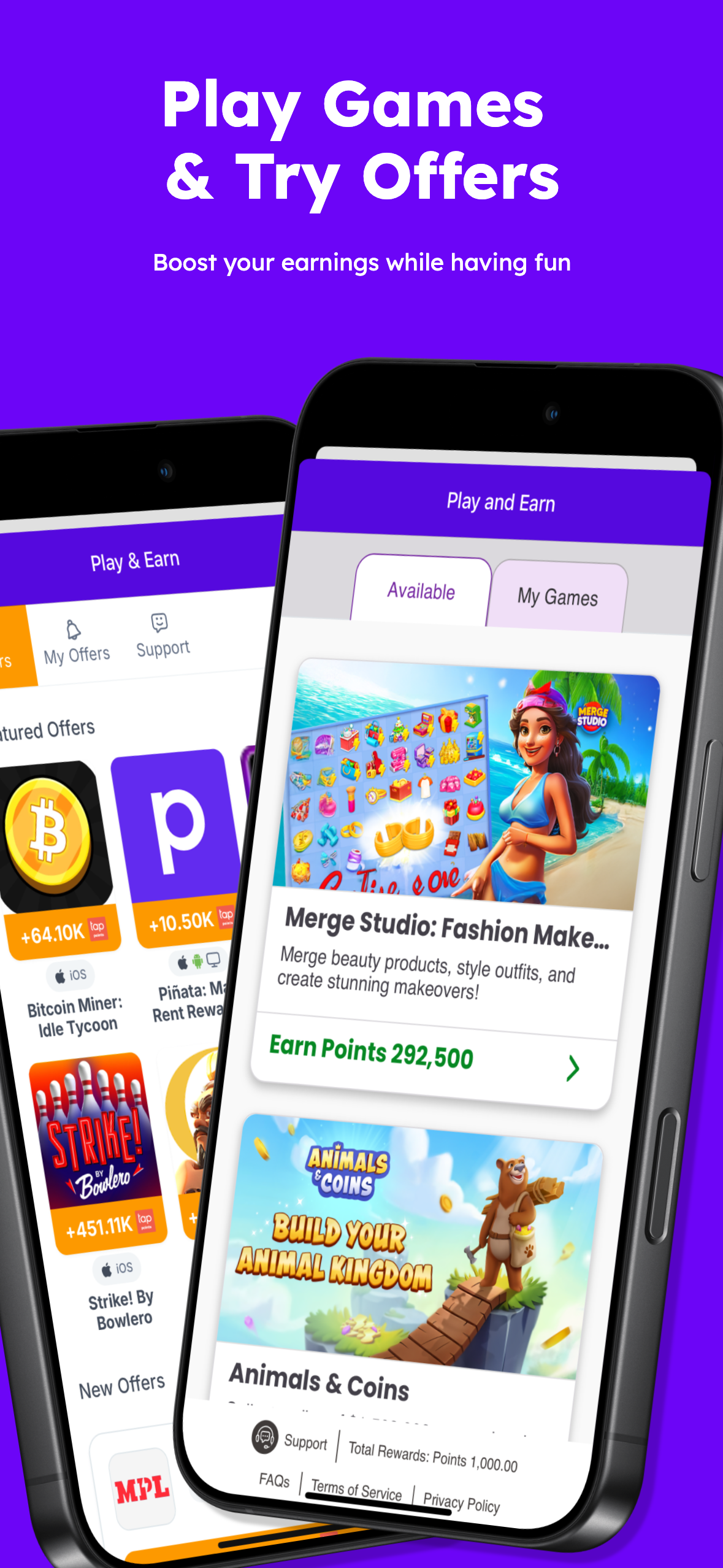
Points for offers are typically credited 48 hours after completing an offer/milestone. Your Rewards History screen will show your pending rewards.
How do I view my rewards history?
To see your rewards history, go back to the Account screen and tap on "Rewards History".
How do I view my cashout history?
To see your cashout/redemptions history, go back to the Account screen and tap on "Redemptions History".
I have an existing account using my phone number but lost my balance after signing in with Apple/Google. Can I recover my account balance?
Yes, we can move your balance to the account using Apple/Google login and deactivate your account using phone number. Please use the Contact Support button below to submit a request.
Can I transfer my account to a new phone number?
Unfortunately, we do not have the ability to transfer accounts to a new phone number. If you have a new phone number, you will need to create a new account with that number. Make sure to cash out any points you have in your old account before creating a new one.
I need help with my gift card payout.
For questions regarding a gift card that you have already tried to redeem, you will need to contact Virtual Incentives at support@virtualrewardcenter.com If you have questions about how to cash out, please reach out to us at the link below!
How do I delete my account?
You can delete your account from the Profile page in Settings. Please note that this action cannot be reversed and you will permanently lose access to your account, including any unredeemed points or rewards. To proceed with account deletion, go to your Profile and select the delete account option.
Still need help?
Reach out here for additional support.